

Key Takeaways
- Smart thermostats connect to Wi-Fi and can learn your schedule, while programmable models follow a fixed schedule you set manually.
- Smart thermostats generally cost more upfront and may require a C-wire or subscription for full features.
- Programmable thermostats work without an internet connection and have no ongoing software dependencies.
- Smart thermostats integrate with voice assistants and smart home platforms; programmable ones operate independently.
- Neither type guarantees energy savings-actual results depend on how consistently the device is used.
Option A
Smart Thermostat
The connected, self-learning option for hands-off comfort control.
Best for: Households that want remote access, automation integration, and adaptive scheduling without manual input.
Option B
Programmable Thermostat
The reliable, set-it-and-forget-it upgrade over a manual dial.
Best for: Homeowners who follow consistent daily routines and prefer a simple, Wi-Fi-free heating and cooling solution.
If you travel frequently or have an unpredictable schedule
Smart Thermostat
Remote control via smartphone means you can adjust temperatures on the fly, avoiding heating or cooling an empty home unnecessarily.
If your daily routine is consistent and predictable
Programmable Thermostat
A fixed schedule programmed once is all you need-no app, no Wi-Fi dependency, and no ongoing subscription to manage.
If you're building out a broader smart home ecosystem
Smart Thermostat
Smart thermostats integrate with platforms like Google Home, Amazon Alexa, and Apple HomeKit, enabling coordinated automations with other devices.
If you want a low-cost, low-maintenance upgrade from a manual thermostat
Programmable Thermostat
Programmable models are widely available at lower price points and require no network setup, app accounts, or compatibility checks.
How Each Thermostat Works
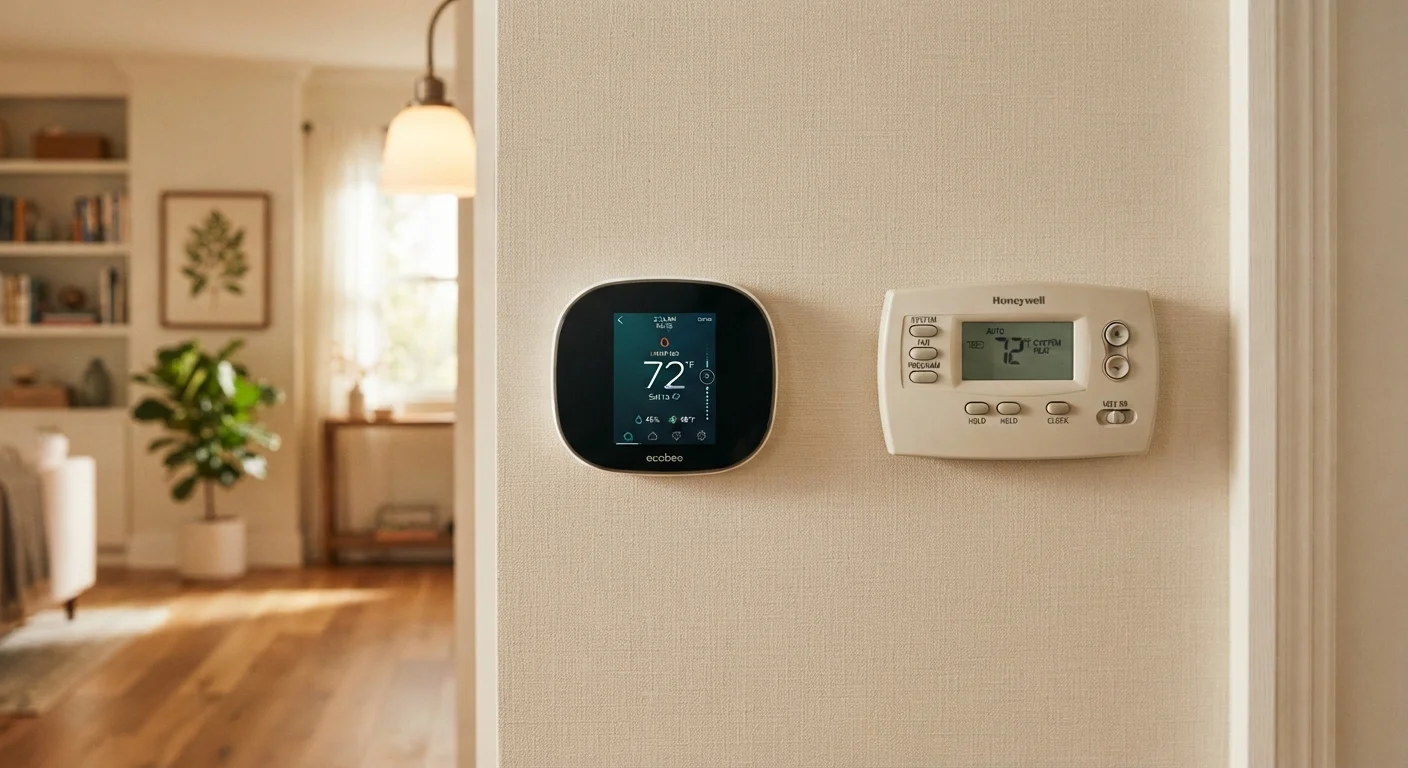
A programmable thermostat lets you set a fixed temperature schedule-for example, lower heat on weekday mornings when the house is empty, and warmer settings before you return home. You enter this schedule manually using the device's buttons or display. Once set, it runs that schedule every day without further input. It requires no internet connection and has no app.
A smart thermostat connects to your home Wi-Fi and can be controlled remotely through a smartphone app. Most models go further: they detect occupancy using motion sensors or GPS location data from your phone, and some use machine-learning algorithms to build a schedule based on your actual behavior over time. They can also integrate with voice assistants and other smart home devices. For a broader look at how these devices fit into a connected home, see our practical smart home starting guide.
| Criterion | Smart Thermostat | Programmable Thermostat |
|---|---|---|
| Remote control | Yes, via smartphone app | No |
| Scheduling | Automatic or manual | Manual only |
| Wi-Fi required | Yes | No |
| Occupancy detection | Often included | Not available |
| Smart home integration | Alexa, Google Home, HomeKit | None |
| C-wire often needed | Yes | Rarely |
| Typical upfront cost | Higher | Lower |
| Ongoing subscriptions | Possible for some features | None |
Installation, Compatibility, and Hidden Requirements
Both thermostat types replace your existing wall unit, but their installation demands differ. Most programmable thermostats work with standard two-wire or four-wire HVAC systems and install in under an hour with basic tools.
Smart thermostats often require a C-wire (common wire) to provide continuous power for Wi-Fi and sensors. Many older homes lack a C-wire, which may mean running a new wire or using an adapter kit-adding complexity to the install. Before purchasing a smart thermostat, checking your HVAC wiring is essential.
Smart thermostats also depend on your home network. If your Wi-Fi goes down, remote features stop working-though basic heating and cooling continues. Some advanced smart home integrations may involve additional protocols; understanding the differences between Wi-Fi, Zigbee, and Z-Wave can help you avoid compatibility surprises. It's also worth reviewing the hidden costs of smart home devices, including potential subscription fees for premium features some smart thermostat platforms charge over time.
Check Compatibility Before You Buy
Smart thermostat compatibility depends on your HVAC system type-heat pumps, multi-stage systems, and older boilers may not be supported by every model. Most manufacturers provide an online compatibility checker where you enter your current wiring configuration. Running this check before purchase can save significant installation headaches.
Energy Efficiency: What the Evidence Actually Says
Both thermostat types can reduce energy use compared to a fully manual dial thermostat-but only when used correctly. The U.S. Department of Energy notes that setting back your thermostat by 7-10°F for eight hours a day can reduce heating and cooling costs, though individual results vary based on climate, home insulation, and HVAC system efficiency.
Smart thermostats have the potential to optimize this automatically, especially when occupancy detection prevents heating or cooling an empty home. However, studies on real-world savings show wide variation. A programmable thermostat used consistently and correctly can achieve similar outcomes. The device itself doesn't save energy-the behavior it enables does.
7-10°F
Recommended daily setback for energy savings
According to the U.S. Department of Energy, adjusting your thermostat by this range for around eight hours daily can contribute to lower heating and cooling costs over time.
~50%
Share of US home energy used by heating and cooling
The U.S. Energy Information Administration estimates that space heating and air conditioning typically account for the largest portion of residential energy consumption.
If you're already integrating smart devices throughout your home, a smart thermostat can participate in broader automations-for example, lowering heat when a smart lock signals everyone has left. Setting up routines and automations can make these integrations practical rather than just theoretical.