

Key Takeaways
- A reliable Wi-Fi network is the single most important foundation for any smart home setup.
- Start with one or two high-impact devices - smart lighting or a smart speaker - before expanding.
- Choosing devices that share a common ecosystem reduces compatibility headaches significantly.
- The Matter standard is making cross-platform compatibility more achievable for new devices.
- Hidden ongoing costs like subscriptions and hub fees are worth factoring in from the start.
Start here
What a Smart Home Actually Is
Next
The Right Starting Point: Hub or No Hub?
Then
Your First Three Devices
When you're ready
Connecting and Controlling Everything
Looking ahead
What to Expect as You Expand
What a Smart Home Actually Is
A smart home is simply a residence where everyday devices - lights, thermostats, locks, appliances - can be monitored or controlled remotely, automated on a schedule, or triggered by conditions like motion or time of day. Connectivity is the core idea: devices talk to each other or to a central app, so you can manage your home environment without manually adjusting each thing.
The term can sound intimidating, but the underlying concept is modest. A single smart bulb that turns off automatically when you leave a room is technically a smart home feature. So is a video doorbell that sends a notification to your phone. You don't need a renovated house or an elaborate setup to start. Understanding the vocabulary helps - for a clear reference, see the smart home glossary covering terms like mesh networks, hubs, routines, and the Matter standard.
Hub
A central device that connects and coordinates smart home gadgets, especially those using Zigbee or Z-Wave protocols that don't connect directly to Wi-Fi.
Ecosystem
A collection of smart home devices and services designed to work together under a single platform, such as Amazon Alexa, Google Home, or Apple HomeKit.
Matter
An industry-wide compatibility standard that allows smart devices from different manufacturers to work across multiple platforms without separate apps or hubs.
Routine
A pre-set sequence of smart home actions triggered by a voice command, a schedule, or a specific condition - such as turning off all lights at bedtime.
Mesh Network
A Wi-Fi system using multiple nodes placed around a home to provide consistent wireless coverage, eliminating dead zones that can cause smart devices to drop offline.
Smart Plug
A device that plugs into a standard outlet and adds remote control and scheduling capability to any appliance or lamp plugged into it.
The Right Starting Point: Hub or No Hub?
Before buying any device, decide whether you want a centralized hub - a dedicated device that coordinates all your smart gadgets - or a simpler hub-free approach where each device connects directly to your Wi-Fi and is managed through its own app or a platform like Google Home or Amazon Alexa.
Hub-free setups are easier to start with and work well for most beginners. The trade-off is that you may end up with several apps if your devices come from different manufacturers. A hub becomes worthwhile once you want to automate across many devices or if you add gadgets that use Zigbee or Z-Wave protocols instead of Wi-Fi.
Equally important: your home's Wi-Fi network. Smart devices depend on a stable, well-distributed signal. If your router struggles to reach the far end of your home, a Wi-Fi mesh system - a set of nodes that extends coverage - can resolve dead zones before they become a recurring frustration.
Start with a strong Wi-Fi foundation
Before purchasing any smart devices, test your Wi-Fi signal in the rooms where you plan to use them. Many smart home frustrations - devices going offline, slow response times - trace back to weak or inconsistent wireless coverage rather than the devices themselves. Addressing coverage first saves troubleshooting time later.
Your First Three Devices
New to smart home tech, the best approach is to start with devices that deliver visible, everyday value without complex installation. Three categories stand out as reliable entry points:
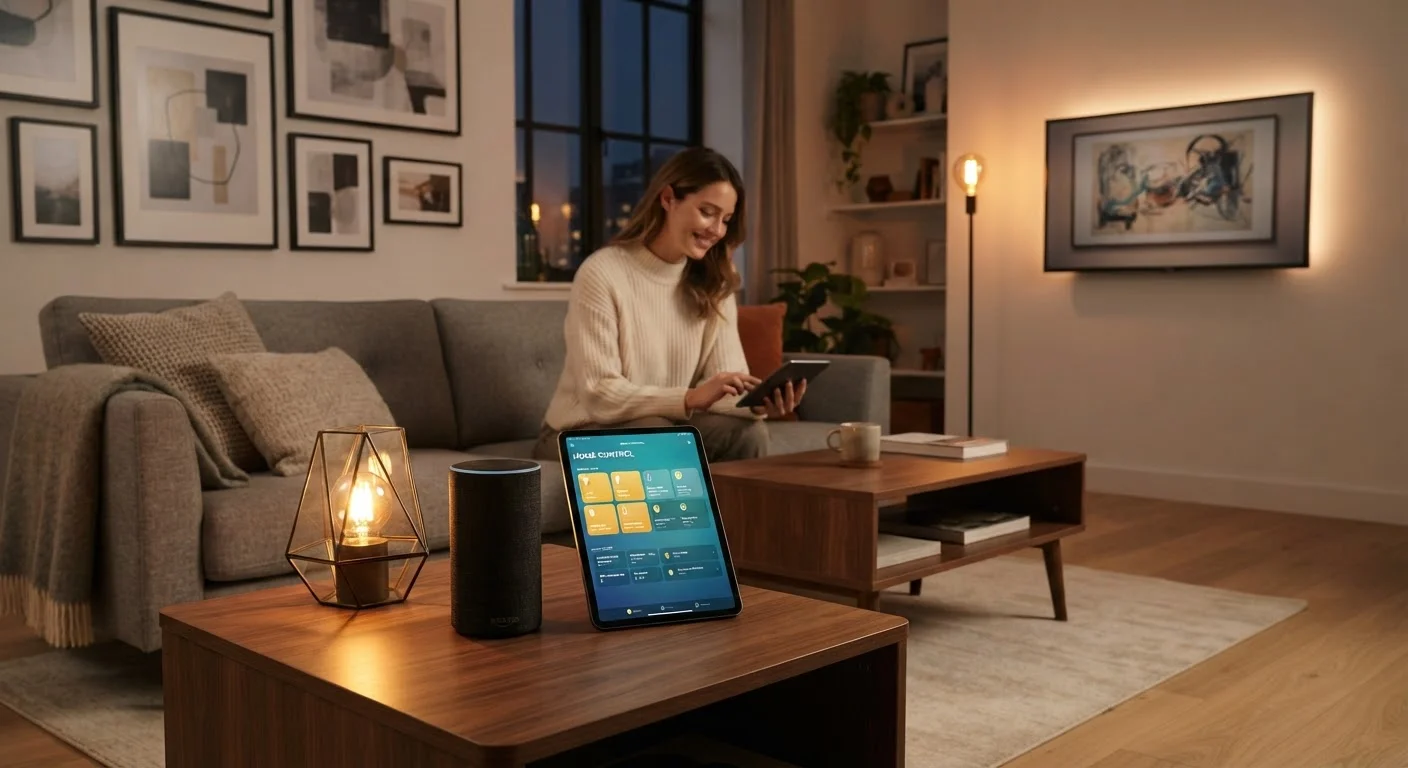
- Smart speaker or display: Acts as a voice-controlled hub for other devices and lets you test voice commands without committing to a complex setup. Most connect to Wi-Fi in minutes.
- Smart bulbs or a smart switch: Lighting is the most tangible smart home upgrade for most households - you notice it every day. Smart bulbs screw into existing sockets; a smart switch replaces the wall switch and works with any standard bulb. Choose one approach per room to avoid conflicts.
- Smart plug: Turns any standard lamp or appliance into a schedulable device. No wiring required, and it's immediately useful for things like lamps or a coffee maker.
When selecting devices, pay attention to which ecosystem they support - Amazon Alexa, Google Home, or Apple HomeKit. Staying within one ecosystem for your first few devices avoids compatibility friction. Newer devices carrying the Matter certification offer broader cross-platform flexibility; see our explainer on the Matter smart home standard for what that means in practice.
Also be aware that smart home devices can carry costs beyond the purchase price. Subscriptions, cloud storage fees for cameras, and hub requirements add up. Our coverage of hidden smart home costs is worth reading before you expand your setup.
Connecting and Controlling Everything
Setup for most Wi-Fi devices follows a consistent pattern: download the manufacturer's app, plug in the device, and follow the in-app steps to join it to your network. The process typically takes under ten minutes per device once you have your Wi-Fi password handy.
After connecting individual devices, the next step is linking them to a platform - Google Home, Amazon Alexa, or Apple Home - so you can control multiple devices from one place and issue voice commands. Each platform walks you through adding supported devices in its app.
Once your devices are connected, routines and automations are where a smart home earns its name. A routine might turn off all your lights and lock the front door when you say "goodnight." An automation could turn the porch light on at sunset without any input from you. These features are built into all major platforms and don't require technical knowledge to configure. For a practical walkthrough of how routines, scenes, and automations differ, see our guide on getting smart home devices to work together.
Secure your network before adding devices
Every smart device you add is a connected endpoint on your home network. Use a strong, unique password for your router and for each smart home account. Enabling two-factor authentication where available and keeping device firmware current are straightforward steps that meaningfully reduce security risk. Some households also place smart devices on a separate guest network to isolate them from computers and phones that hold sensitive data.
What to Expect as You Expand
Most people find that their smart home grows gradually - a device here, a room there - rather than all at once. That's a sensible approach. Adding devices incrementally gives you time to understand how each one fits into your routines and whether it solves a real problem or just adds complexity.
A structured way to think about this is the room-by-room method: focus on one space, get it working well, then move to the next. Our article on building a smart home room by room outlines this phased approach in detail and helps you avoid overbuying early on.
As your setup grows, keep device firmware updated - manufacturers regularly release patches that fix bugs and security vulnerabilities. Periodically review which devices are actually being used; it's common to find that some purchases go largely unused once the novelty wears off. A smart home should simplify daily life, not add to your mental load. Starting small, building deliberately, and choosing devices that genuinely match how your household operates will serve you far better than buying an entire ecosystem at once.
If you're approaching this alongside a broader home setup - perhaps after a recent move - the household setup checklist can help you prioritize smart home additions alongside other practical home tasks.