
Understanding Refresh Rates: Does 120Hz Make a Visible Difference on Your Screen?

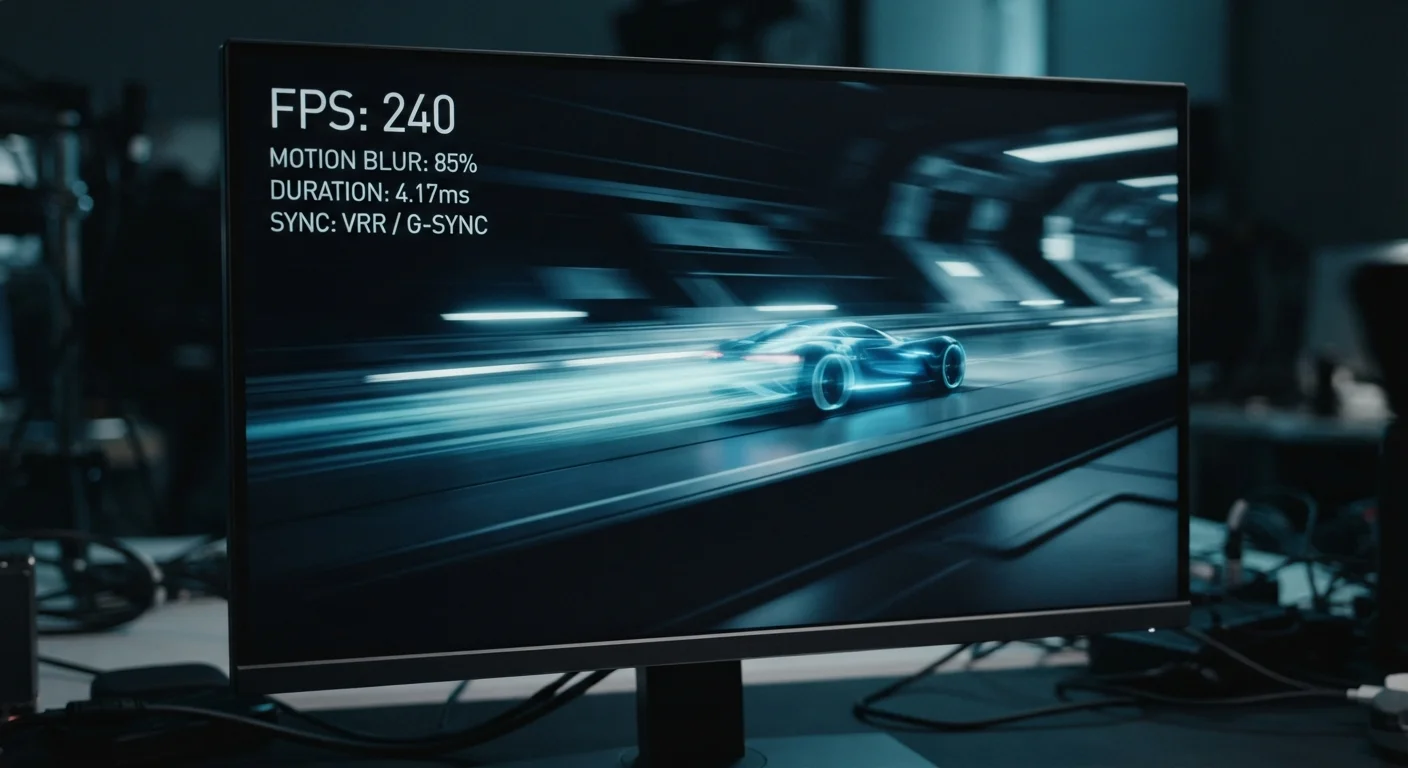
Key Takeaways
- Refresh rate measures how many times per second a display redraws its image.
- 120Hz provides a clear, perceivable benefit for gaming and fast sports, but less so for standard video.
- Most streaming content is produced at 24-60fps, limiting the real-world advantage of higher-Hz panels.
- The benefit of 120Hz is most noticeable up close, such as on phones and monitors, less so on distant TVs.
- Higher refresh rates can affect battery life on mobile devices and may increase display cost.
- Refresh rate is one factor among many - panel type and picture quality also matter significantly.
Refresh Rate
Refresh rate measures how many times per second a display redraws the image on screen, expressed in hertz (Hz). A 60Hz screen updates 60 times per second; a 120Hz screen updates 120 times per second. More updates generally mean smoother-looking motion, particularly in fast-moving content.
Refresh rate is a panel characteristic distinct from frame rate, which is determined by the source content or GPU. For higher refresh rates to translate into visible smoothness, the content source must also output frames at or near that rate.
What Refresh Rate Actually Measures
Refresh rate describes how frequently a display redraws the picture it shows - measured in hertz (Hz). At 60Hz, the screen refreshes 60 times every second. At 120Hz, it does so twice as often. The result, under the right conditions, is motion that appears smoother and more fluid to the viewer.
It's important to separate refresh rate from two related but distinct concepts. Resolution defines how many pixels are on the screen - see how resolution specs are often misread for a closer look at that. Frame rate is how many frames per second the content source - a game engine, a streaming service, or a Blu-ray - actually delivers. A 120Hz display receiving 30fps content doesn't magically generate extra frames; it simply repeats them more often, which has limited impact on perceived smoothness.
This distinction is central to understanding when a higher refresh rate genuinely helps and when it's largely a spec on paper.
24fps
Standard cinematic frame rate
Most theatrical films and many streaming productions are mastered at 24 frames per second, limiting the practical impact of high-refresh displays for movie viewing.
120Hz
Common high-refresh standard for gaming displays
120Hz has become a widely adopted target for gaming monitors and TVs, supported by current-generation gaming consoles and mid-to-high-end smartphones.
1ms
Typical response time on fast gaming panels
Response time - how quickly pixels shift color - works alongside refresh rate to reduce ghosting in fast motion; the two specs together define gaming display performance.
When 120Hz Makes a Real, Visible Difference
The clearest use cases where 120Hz provides a meaningful perceptual improvement fall into two categories: interactive content and fast-motion viewing.
In gaming, a higher refresh rate reduces the gap between a player's input and the on-screen response. When a game engine is producing 90 or 120 frames per second and the display can keep up, motion appears sharper during fast camera pans, and the experience feels more immediate. Competitive gamers - particularly in fast-paced genres - frequently cite this as a tangible advantage.
For sports viewing, 120Hz (or the 120fps source content required to fully utilize it) produces noticeably smoother panning shots and reduces the motion blur that can make rapid gameplay look smeared on a 60Hz panel. Live sports broadcasts, however, vary in how they're captured and transmitted, so not all sports content will fully benefit.
Screen size and viewing distance also matter. On a smartphone or monitor used close-up, the difference between 60Hz and 120Hz tends to be clearly perceptible when scrolling through content. On a television watched from across a living room, the same numerical difference becomes harder to distinguish.
Check Your Content Source First
Before assuming a 120Hz display will improve your experience, identify what frame rate your primary content sources actually deliver. Streaming services, consoles, and PC games vary widely. If your source tops out at 30fps, the panel's extra capacity won't be used - and the practical difference will be minimal.
Where the Benefit Shrinks or Disappears
Standard streaming and most broadcast television content is produced at 24fps or 30fps - well below what a 120Hz display is capable of rendering. In these scenarios, the extra refresh headroom provides little intrinsic benefit. The display may apply motion smoothing (also called motion interpolation) to artificially generate in-between frames, but this process is controversial among viewers. The result is often described as the "soap opera effect" - an unnaturally smooth look that many people find off-putting for cinematic content.
Most televisions allow motion smoothing to be disabled, which is worth knowing if you find that film and TV content looks strangely artificial on a newer screen. The panel technology itself - whether OLED, QLED, or standard LED - often has a larger influence on picture quality than refresh rate alone. Understanding what panel type actually does is equally important when evaluating a display.
On mobile devices, running a screen at full 120Hz continuously can noticeably reduce battery life, though variable refresh rate (VRR) technology on many modern phones mitigates this by stepping the rate down automatically during low-motion content.
Reading the Spec Without Being Misled
Manufacturers sometimes market refresh rates using terms like "effective refresh rate" or "motion rate," which may not reflect the panel's native Hz. A display marketed at "240 motion rate" could be a native 120Hz panel using backlight flickering or processing tricks to achieve that figure. Checking for the native refresh rate in a product's detailed technical specifications - rather than the headline marketing number - gives a more accurate picture.
Refresh rate is one meaningful spec, but it sits alongside others: input lag, response time (how quickly individual pixels can change), panel brightness, color accuracy, and contrast ratio. For most household uses - general streaming, browsing, casual viewing - a quality 60Hz display will serve well. The upgrade to 120Hz earns its place most clearly for gaming households, sports enthusiasts, and anyone who spends significant time with fast-scrolling interfaces.
For broader context on how your display fits into your home entertainment setup, understanding your streaming device options is also worth exploring alongside display specs.
“The relationship between frame rate, refresh rate, and perceived motion quality is not linear - context, content type, and viewing conditions all shape whether a higher number translates into a better experience.”
— Display Technology Research Community, Consensus view among display scientists and human-factors researchers