

Key Takeaways
- More pixels doesn't automatically mean a better-looking picture at typical viewing distances.
- PPI (pixels per inch) matters more than raw resolution when comparing screens of different sizes.
- 8K content is extremely limited, making 8K TVs largely irrelevant for most households today.
- Upscaling can improve lower-resolution content but cannot match native high-resolution source material.
- Panel technology, contrast, and color accuracy often affect perceived picture quality more than resolution alone.
Why Resolution Specs Are Easy to Misread
Walk into any electronics section and you'll see displays marketed by their pixel counts - 1080p, 4K, 8K. The numbers are big, the marketing is bold, and the implication is clear: bigger number, better picture. That's a reasonable assumption, but it's also an oversimplification that routinely leads shoppers to overpay for spec bumps they cannot see.
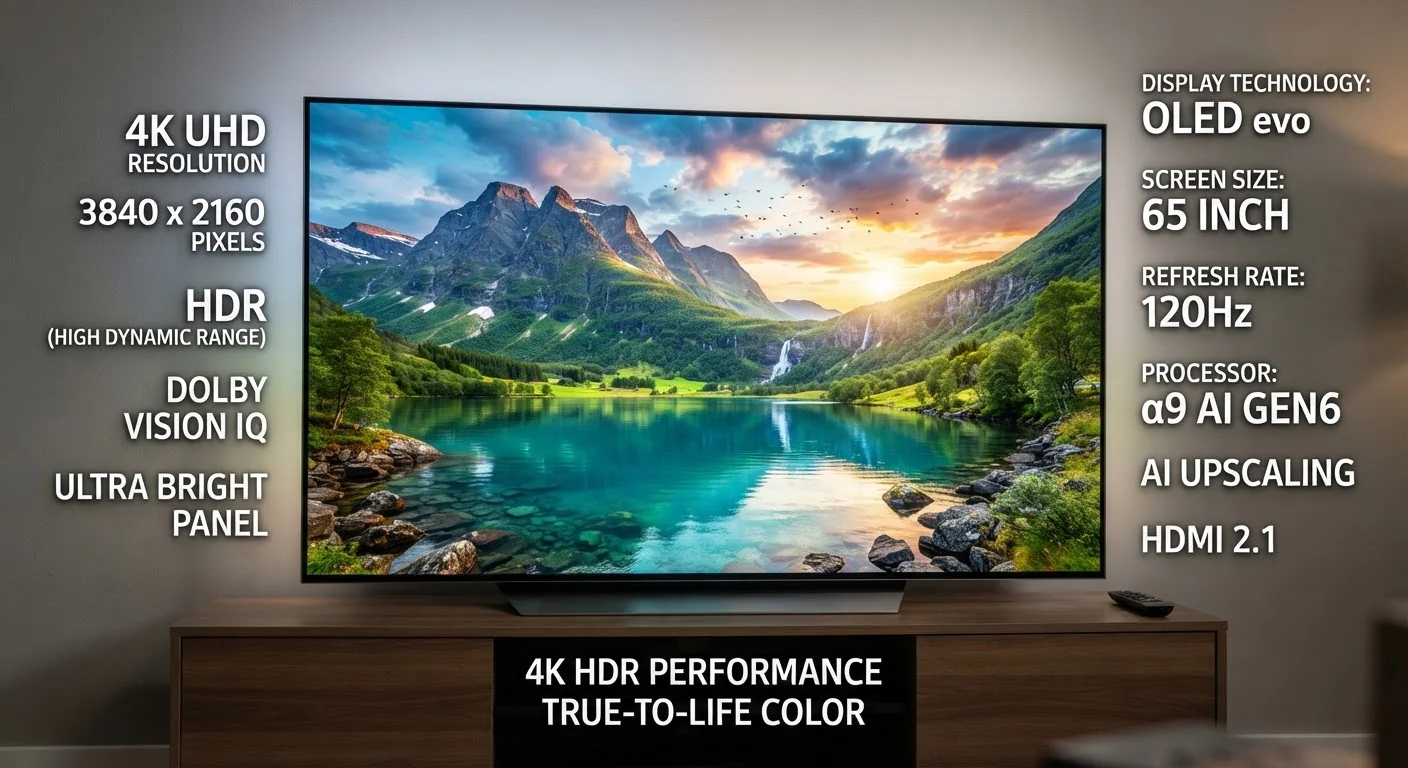
Resolution describes the total number of pixels on a screen arranged in a grid. A 4K display has roughly 3,840 × 2,160 pixels - about four times the pixel count of a 1080p (Full HD) screen. But pixel count is only one variable in a complex equation. How large is the screen? How far away will you sit? What content are you actually watching? Ignoring these questions turns resolution shopping into an exercise in marketing arithmetic rather than informed decision-making.
For related context on how your display hardware works together, see our breakdown of panel technology in modern TVs.
Myth
4K is always visibly better than 1080p, regardless of screen size or viewing distance.
Fact
At typical living room distances and on smaller screens, most people cannot perceive the difference between 4K and 1080p with the naked eye.
The human eye has a finite resolving ability. Whether you can distinguish 4K from 1080p depends on screen size, your distance from it, and your individual vision. Optometry and display research consistently show that on a 40-inch TV viewed from 8-10 feet, the pixel density of 1080p often exceeds the eye's resolving threshold. Paying for 4K in that scenario yields no visible benefit - you're paying for pixels you cannot see.
Myth
8K TVs deliver a noticeably sharper picture than 4K for everyday viewing.
Fact
8K content is extremely scarce, and at practical TV sizes and distances, the visual difference over 4K is imperceptible to most viewers.
8K resolution means 7,680 × 4,320 pixels - four times the pixel count of 4K. In theory, that's more detail. In practice, native 8K content is nearly nonexistent for consumers: major streaming platforms, broadcast TV, and most gaming hardware do not deliver 8K signals. What you're watching on an 8K TV is almost always upscaled content, not genuine 8K source material. Even among display researchers, the perceptual benefit of 8K over 4K on screens under 85 inches at normal seating distances is considered marginal at best.
Myth
Upscaling makes lower-resolution content look the same as native high-resolution content.
Fact
Upscaling improves lower-resolution content but is fundamentally an estimation process - it cannot recover detail that was never captured.
Upscaling uses algorithms - increasingly AI-assisted ones - to fill in additional pixels when displaying lower-resolution content on a higher-resolution screen. Modern upscaling is genuinely impressive and can reduce the softness that would otherwise occur. However, it works by intelligently guessing what additional detail might look like, not by restoring actual captured information. Native 4K footage contains real detail that upscaled 1080p does not. The gap between them remains, even if it's narrower than it once was.
Myth
A higher resolution number always means the screen has better picture quality overall.
Fact
Resolution is one of several picture-quality factors; contrast ratio, color accuracy, and brightness often have a larger perceptual impact.
Picture quality is multidimensional. A display's contrast ratio - the difference between its deepest blacks and brightest whites - shapes how vivid and three-dimensional the image appears. Color gamut and accuracy determine whether colors look lifelike or washed out. Peak brightness affects HDR performance. A display with excellent contrast and color accuracy at 1080p can appear richer and more detailed than a 4K screen with mediocre panel performance. Resolution without attention to these other dimensions is an incomplete quality measure.
Myth
More pixels per inch always means a better-looking display.
Fact
PPI matters up to the threshold of human visual acuity - beyond that point, additional pixel density produces no perceivable improvement.
PPI is a useful metric for comparing displays of different sizes at equivalent resolutions, but it has a ceiling of relevance defined by human vision. Once a display's PPI exceeds what the eye can resolve at its typical use distance, packing in more pixels delivers no practical benefit. This is why smartphone manufacturers moved away from extreme pixel-density races after a certain point - and why the same principle applies to TVs and monitors evaluated at their normal operating distances.
The Stats Behind Viewing Distance and PPI
One of the most overlooked display metrics is PPI - pixels per inch - which captures how densely pixels are packed relative to screen size. A 4K image on a 32-inch monitor delivers dramatically more PPI than the same 4K resolution on an 85-inch TV. From a typical living room distance of 8-10 feet, your eye may not resolve the additional pixel density of the larger screen at all.
~8 ft
Minimum distance to benefit from 4K on a 65-inch TV
Display science and THX seating distance guidelines suggest that at roughly 8 feet or closer, 4K becomes perceptibly sharper than 1080p on a 65-inch screen.
4×
Pixel count increase from 1080p to 4K
A 4K display contains approximately 8.3 million pixels compared to roughly 2 million in a 1080p panel - but more pixels are only an advantage when the eye can resolve them.
<1%
Share of streaming content available in native 8K
As of the mid-2020s, no major U.S. streaming platform offers a native 8K content catalog, making 8K TV purchases almost entirely dependent on upscaled source material.
Resolution is also only one dimension of picture quality. Contrast ratio, color gamut, local dimming, and peak brightness all shape what you perceive on screen. A 1080p OLED panel can look visually superior to a 4K LCD with poor contrast in many real-world conditions. If you're evaluating screens holistically, our guide on refresh rates and visible performance covers another spec that's just as commonly misunderstood.
Don't Let "4K" on the Box Override What You See
In-store display conditions - calibrated demo content, bright showroom lighting, close viewing distances - are designed to make differences look dramatic. Before purchasing based on resolution, ask to see the display running content similar to what you watch at home, from a distance that matches your room. What looks striking at three feet in a store may look identical to a less expensive option at your actual couch distance.
Making a Smarter Decision at the Shelf
Rather than anchoring on resolution as the headline spec, consider the full picture. Evaluate the panel's contrast and brightness in a lighting environment that matches your room. Consider your typical viewing distance and whether a resolution jump would be perceptible. Confirm that the content you watch - streaming, cable, gaming - is actually available in the display's native resolution.
For households setting up a complete living room system, understanding the interplay between your display and your source device matters just as much as the screen's own specs. Our overview of streaming devices and smart TV trade-offs can help you think through the full signal chain.
Resolution myths persist because the numbers are easy to compare and hard to question without context. Armed with a clearer understanding of PPI, viewing distance, upscaling limitations, and content availability, you're better positioned to judge a display on what it will actually deliver in your home - not just what looks impressive on a specification sheet.